
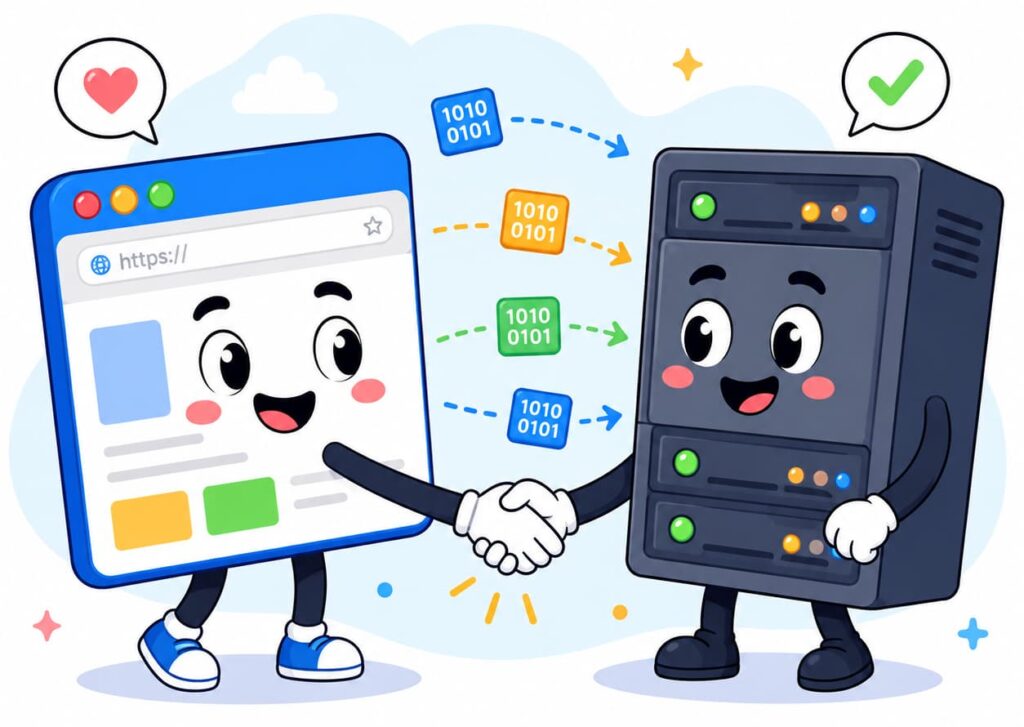

Have you ever clicked a link and wondered what actually happens next? In just a second, a page loads on your screen. But how?
That simple click sets off a hidden chain of events. Data travels across cables, satellites, and servers around the world. And it all happens faster than you can blink.
In this guide, you’ll learn exactly how the internet works, step by step. No tech jargon. No confusing diagrams. Just plain, simple answers.By the end, you’ll understand what an IP address is, how websites load, and which internet myths you can stop believing today.
What Is the Internet?
Let’s start with the basics. So, what is internet, really?
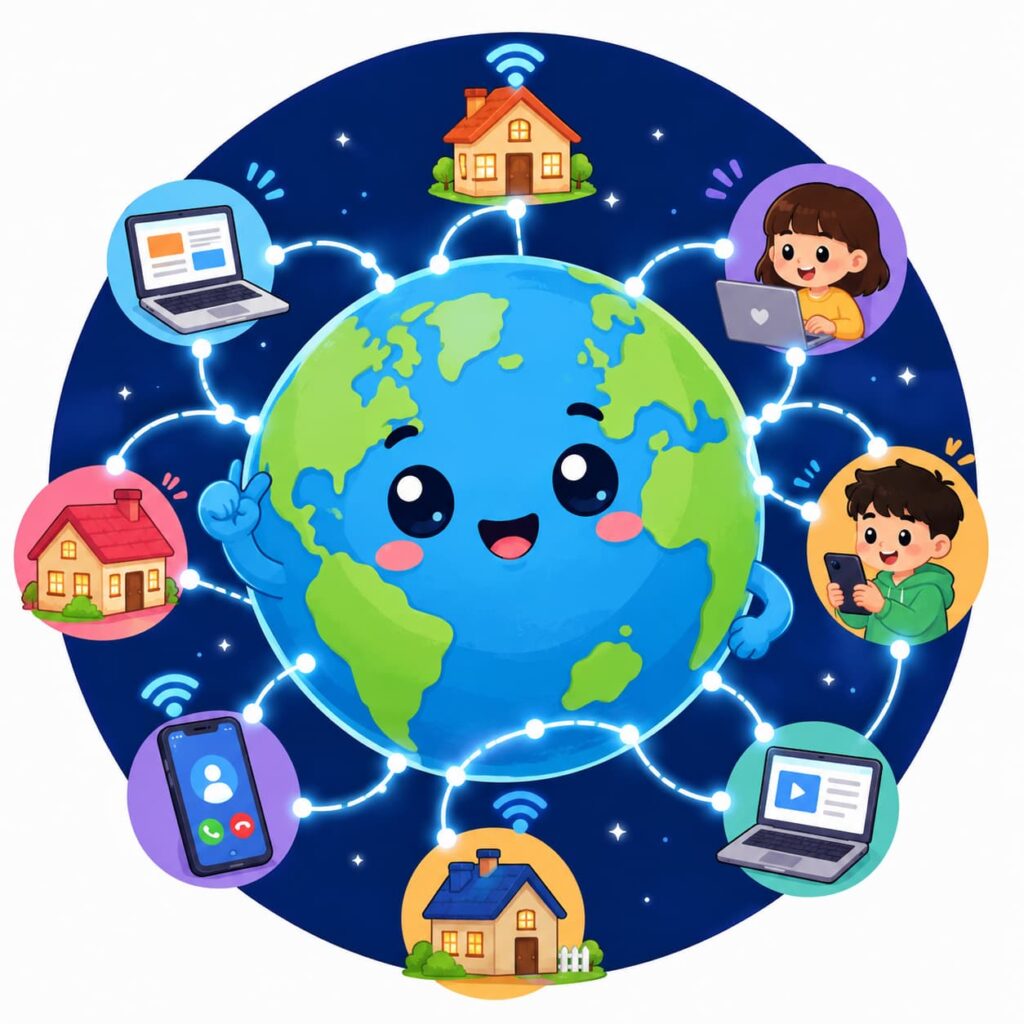
The internet is a huge network of connected computers. These computers talk to each other by sending small pieces of data back and forth.
Think of it like a giant postal system. Instead of letters, computers send data packets. Instead of mail trucks, these packets travel through cables and wireless signals.
Here’s the simple truth: the internet is not one single thing.It’s millions of networks joined together. Schools, businesses, homes, and governments all connect their networks to this shared system.
That’s why you can send a message from India and someone in Canada can read it seconds later. Everything is linked.
Why Does This Matter to You?
You use the internet every day. Streaming videos, checking emails, and scrolling social media all depend on this network.
Understanding how it works helps you:
– Troubleshoot slow connections
– Protect your privacy online
– Make smarter tech decisions
– Spot scams and myths more easily
Now let’s dig into the building blocks that make this all possible.
The Key Players: Devices, Servers, and Networks
To understand how the internet works, you need to know three main players.
1. Your Device
This is your phone, laptop, or tablet. It’s called a client. Clients request information from the internet.
2. Servers
Servers are powerful computers that store websites, videos, and files. When you request a page, a server sends the data back to you.
3. Networks
Networks are the paths that connect clients and servers. This includes your home Wi-Fi, your internet provider, and larger backbone networks that span countries.
Here’s a simple table to make this clearer:
| Player | What It Does | Example |
|---|---|---|
| Client | Sends requests | Your phone or laptop |
| Server | Stores and sends data | A website’s hosting computer |
| Network | Carries the data | Wi-Fi, cables, satellites |
These three parts work together every time you open an app or visit a site.
What Is an IP Address?
Now let’s tackle a common question: what is an IP address?
An IP address is like a home address for your device. It tells other computers exactly where to send information.
Every device connected to the internet has one. Without it, data wouldn’t know where to go.
IP Address Meaning in Simple Terms
The IP address meaning is straightforward: it’s a unique string of numbers assigned to your device.
It usually looks something like this: 192.168.1.1
There are two main types:
- IPv4: Older format, uses four number groups
- IPv6: Newer format, supports more devices with longer number strings
Your IP address helps websites know where to send the data you requested. It’s a bit like writing your return address on a letter.
Public vs. Private IP Addresses
Not all IP addresses work the same way. Here’s a quick comparison:
| Type | Used For | Visible To |
|---|---|---|
| Public IP | Identifying your network online | Websites, servers |
| Private IP | Identifying devices within your home network | Your router only |
Your router usually has one public IP address. But every device connected to it, like your phone or smart TV, gets its own private IP address.
How Websites Load in a Browser
This is where everything comes together. Let’s walk through how websites load in a browser, step by step.
Step 1: You Type a Web Address
You enter something like www.example.com into your browser.
Step 2: DNS Translates the Name
Computers don’t understand website names. They understand numbers.
A system called DNS (Domain Name System) translates the website name into its IP address. Think of DNS as the internet’s phone book.
Step 3: Your Browser Sends a Request
Once your browser has the IP address, it sends a request to the server that hosts the website.
Step 4: The Server Responds
The server gathers the requested files, like text, images, and videos, and sends them back to your browser.
Step 5: Your Browser Displays the Page
Your browser puts all the pieces together. Within seconds, you see a fully loaded webpage.
Here’s the whole process in a simple list:
- You type a website address
- DNS finds the matching IP address
- Your browser sends a request to the server
- The server sends back the data
- Your browser displays the page
All of this usually takes less than two seconds. That’s the magic of how the internet works.
Common Internet Myths You Should Stop Believing
Now that you understand the basics, let’s clear up some common internet myths.
Myth 1: The Internet and the Web Are the Same Thing
This is one of the biggest misunderstandings. The internet is the network of connected computers. The web is just one service that runs on it, made up of websites and pages.
Email, gaming, and streaming also run on the internet, but they aren’t part of the web.
Myth 2: Incognito Mode Makes You Invisible Online
Incognito mode only stops your browser from saving history. Your internet provider and the websites you visit can still see your activity.
Myth 3: A Stronger Wi-Fi Signal Always Means Faster Internet
Signal strength affects connection stability, not necessarily speed. Your actual speed depends on your internet plan and network traffic.
Myth 4: Deleting a File Removes It From the Internet Forever
Once something is shared online, copies can exist on other servers, devices, or caches. It’s very hard to fully erase digital content.
Here’s a quick summary table:
| Myth | Reality |
|---|---|
| Internet = Web | Web is just one part of the internet |
| Incognito = Invisible | Only hides local browser history |
| Strong signal = Fast internet | Speed depends on your plan, not just signal |
| Deleting = Erasing forever | Copies may still exist elsewhere |
Knowing these facts helps you use the internet more safely and wisely.

A Quick Recap: How the Internet Works
Let’s bring it all together.
The internet works through a global network of devices, servers, and connections. Your device sends requests using an IP address. Servers respond with the data you asked for. And DNS acts as a translator, turning website names into numbers computers understand.
Every time you open a browser, this entire system works behind the scenes. It all happens in seconds, but the process involves multiple steps working in perfect harmony.
Understanding how the internet works isn’t just interesting. It also helps you use technology more confidently and safely every day.
Watch: How the Internet Works (Video Guide)
For a visual breakdown, check out this helpful video:
Frequently Asked Questions
What is the internet in simple words?
The internet is a global network of connected computers that share information using data packets. It allows devices anywhere in the world to communicate instantly.
What does an IP address actually do?
An IP address identifies your device on a network. It ensures that data sent across the internet reaches the correct destination.
How long does it take for a website to load?
Most websites load within one to three seconds. This depends on your internet speed, the server’s response time, and the size of the webpage.
Is the internet the same as Wi-Fi?
No. Wi-Fi is just one way to connect to the internet. You can also connect using mobile data, cables, or satellite connections.
Now that you understand how the internet works, you can browse, troubleshoot, and explore online with more confidence. The web may seem invisible, but now you know exactly what’s happening behind every click.